THE COMPLETE WEDDING PLANNER: BUDGET, GUEST LIST, SEATING CHART & CHECKLIST IN ONE SPREADSHEET
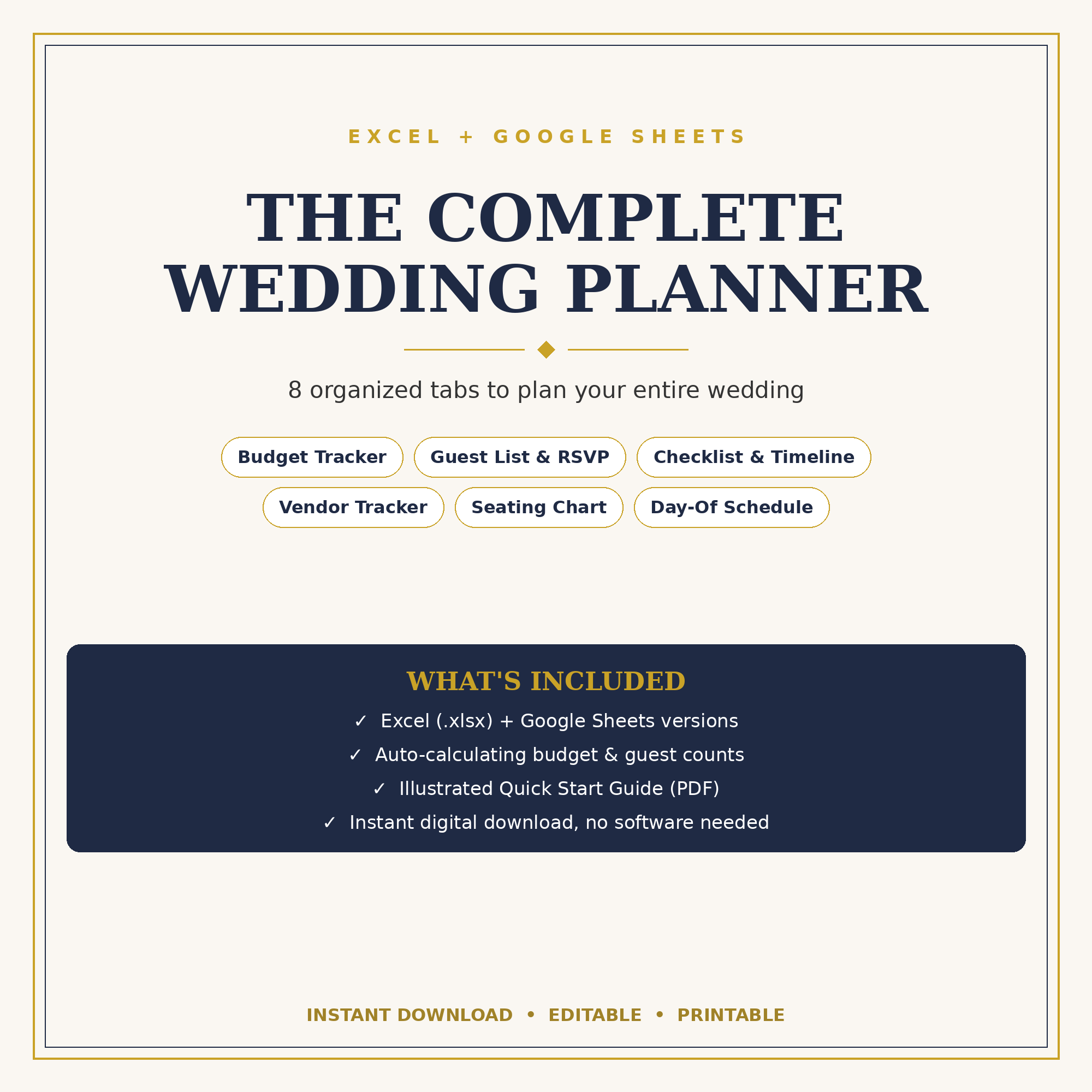
Plan your whole wedding in one organized wedding planner spreadsheet. Track your budget, manage up to 250 guests and RSVPs, build your seating chart, and follow a 78-task checklist whose due dates fill in from your wedding date. Everything calculates automatically, so you spend less time on spreadsheets and more time on your wedding.
Works in Excel and Google Sheets. Instant download.
WHAT YOU’LL BE ABLE TO DO
– See your whole wedding at a glance: your dashboard shows your countdown, budget left, RSVPs, checklist progress, your next 5 tasks, and your next 5 vendor payments, with 3 charts.
– Stay on budget: 14 categories with suggested percentages, actual costs, payments and balances. Over budget? It turns red.
– Never lose track of a guest: up to 250 guests with RSVP status, meal choices, table numbers, gifts received and thank-you tracking.
– Build a seating chart that shows names: 20 tables with up to 12 seats each. Names appear at their tables automatically.
– Follow a checklist with the dates done for you: 78 tasks from 12+ months out to after the wedding. Overdue tasks turn red.
– Never miss a vendor payment: track contracts, deposits, balances and due dates in one place.
– Plus: a wedding party tracker, meal counts for your caterer, and a day-of schedule that adjusts to your ceremony time.
WHAT’S INCLUDED (10 TABS)
Start Here | Dashboard | Settings | Budget | Guests | Seating | Checklist | Vendors | Wedding Party | Day-Of
In your download:
– Wedding Planner (.xlsx), your blank planner
– Filled Example (.xlsx), the same planner with sample data so you can see how it works
– Illustrated Quick Start Guide (PDF), with a link to make your own Google Sheets copy
HOW IT WORKS
1. Enter your names, wedding date, ceremony time and budget on the Settings tab.
2. Type into the light-gold cells. Everything else calculates for you.
3. Check your dashboard any time to see where your wedding stands.
WORKS WITH
Microsoft Excel (Windows and Mac), Google Sheets, Numbers and LibreOffice. In Google Sheets, charts may look slightly different from Excel.
Reviews
There are no reviews yet.